
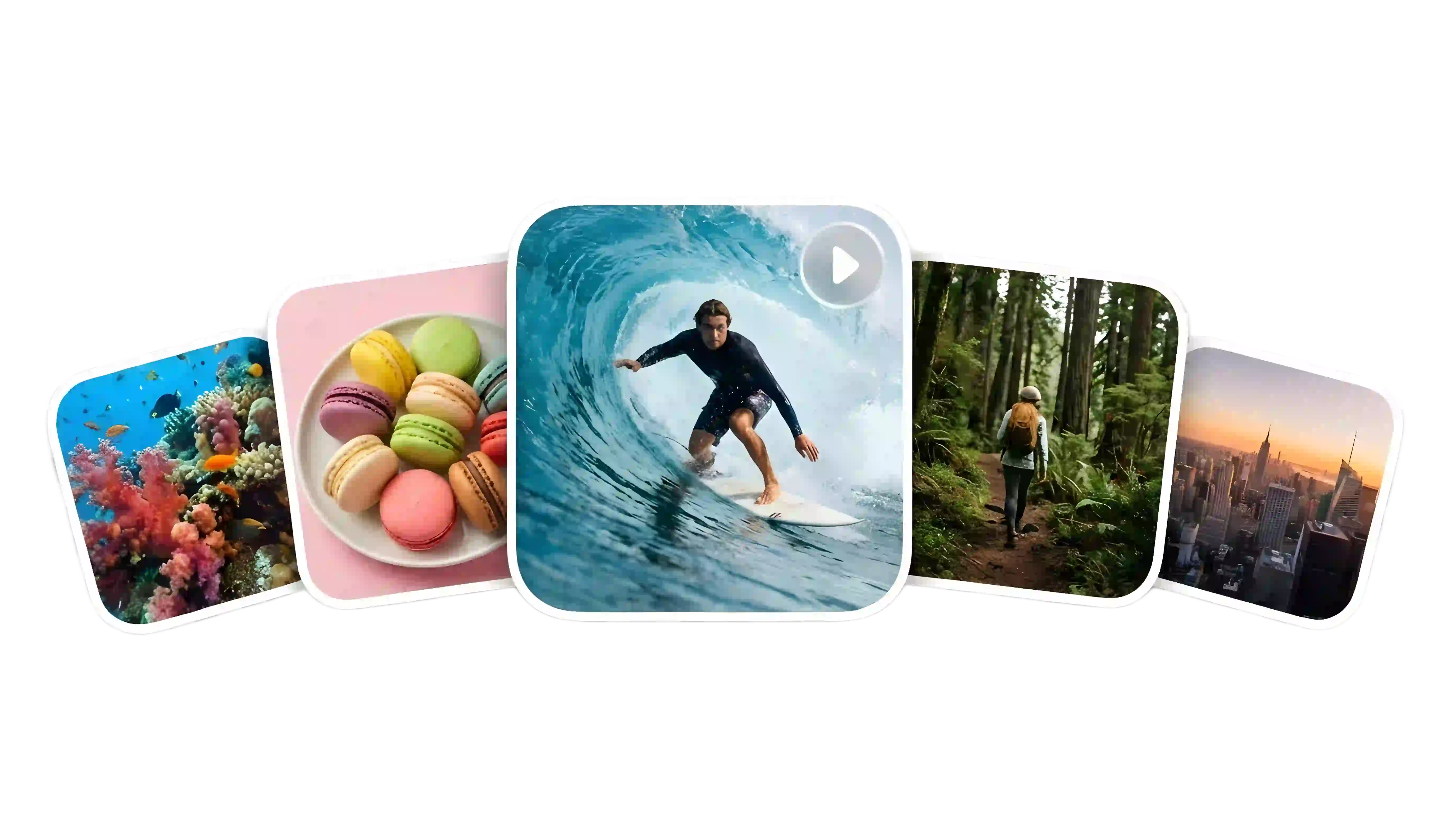
Swipe to explore
Free Image to Video Generator: Turn Images into Motion Clips
Upload a still image, describe the motion you want, and generate short AI videos online. Create clips for social content, product showcases, ads, and creative storytelling from a single image.
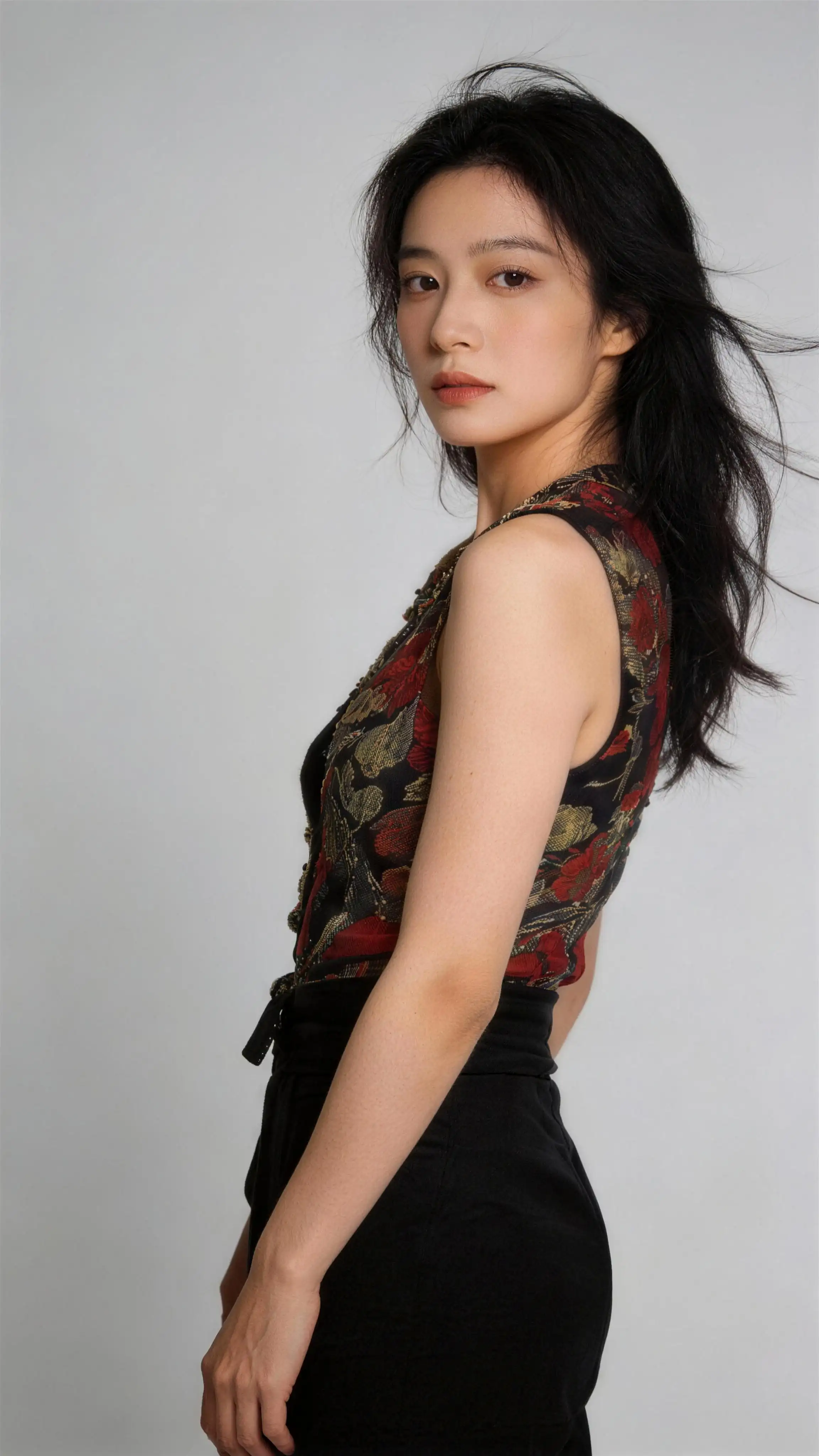
Prompt
Use the facial features of the model from the first image as reference. The model appears close to the camera wearing the outfits from reference images 2–6, striking different poses: playful, cool, cute, surprised, and stylish. Each pose features a different outfit, with quick cuts accompanying every outfit change. The visuals should reference the video’s fisheye lens perspective, combined with ghosting, flickering, and psychedelic light effects to create a dynamic, high-energy look.

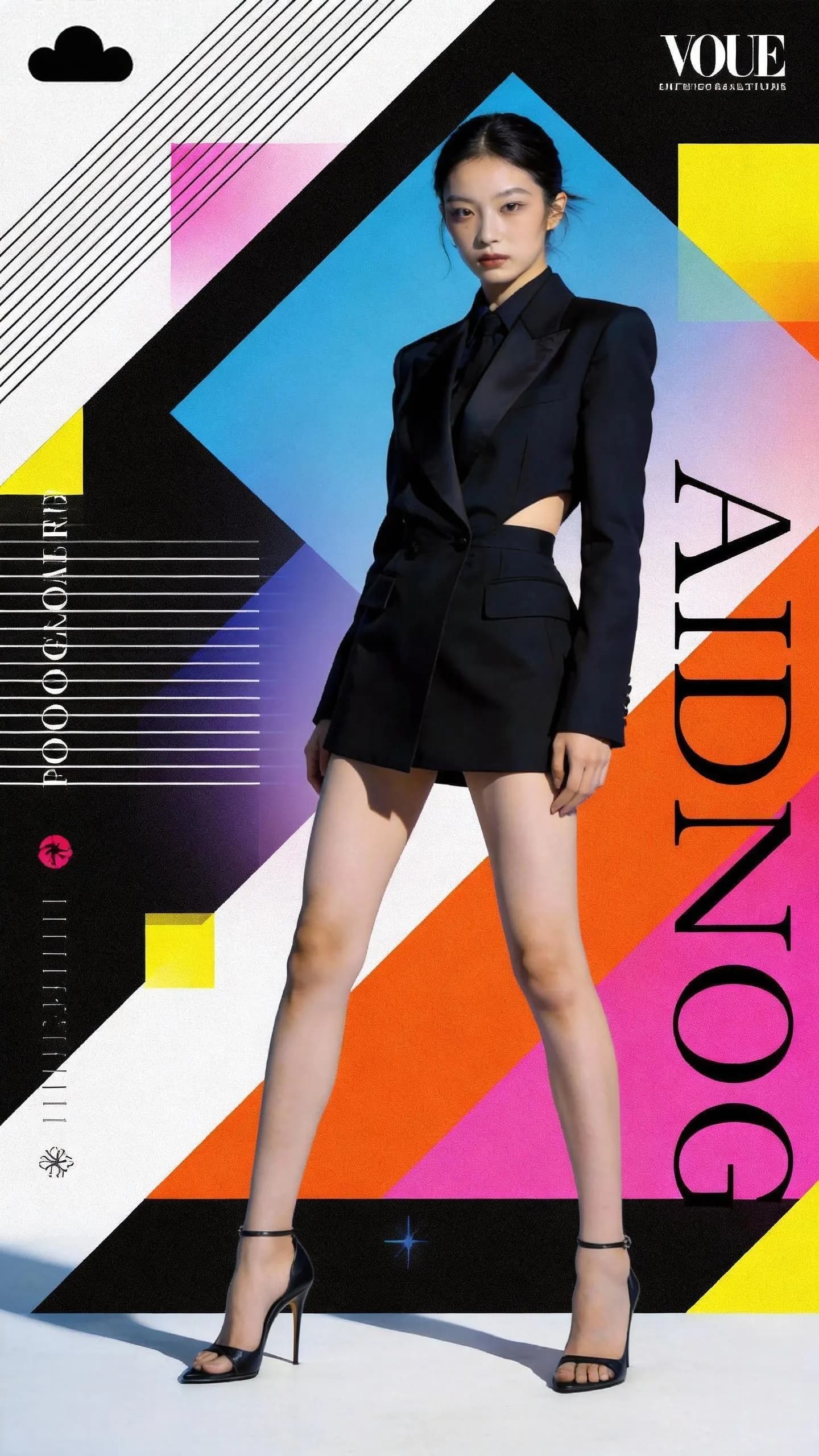
Prompt
The girl in the poster continuously changes outfits, with the clothing styles inspired by @Image1 and @Image2. She is holding the bag from @Image3, and the overall pacing and rhythm of the video should follow @Video.

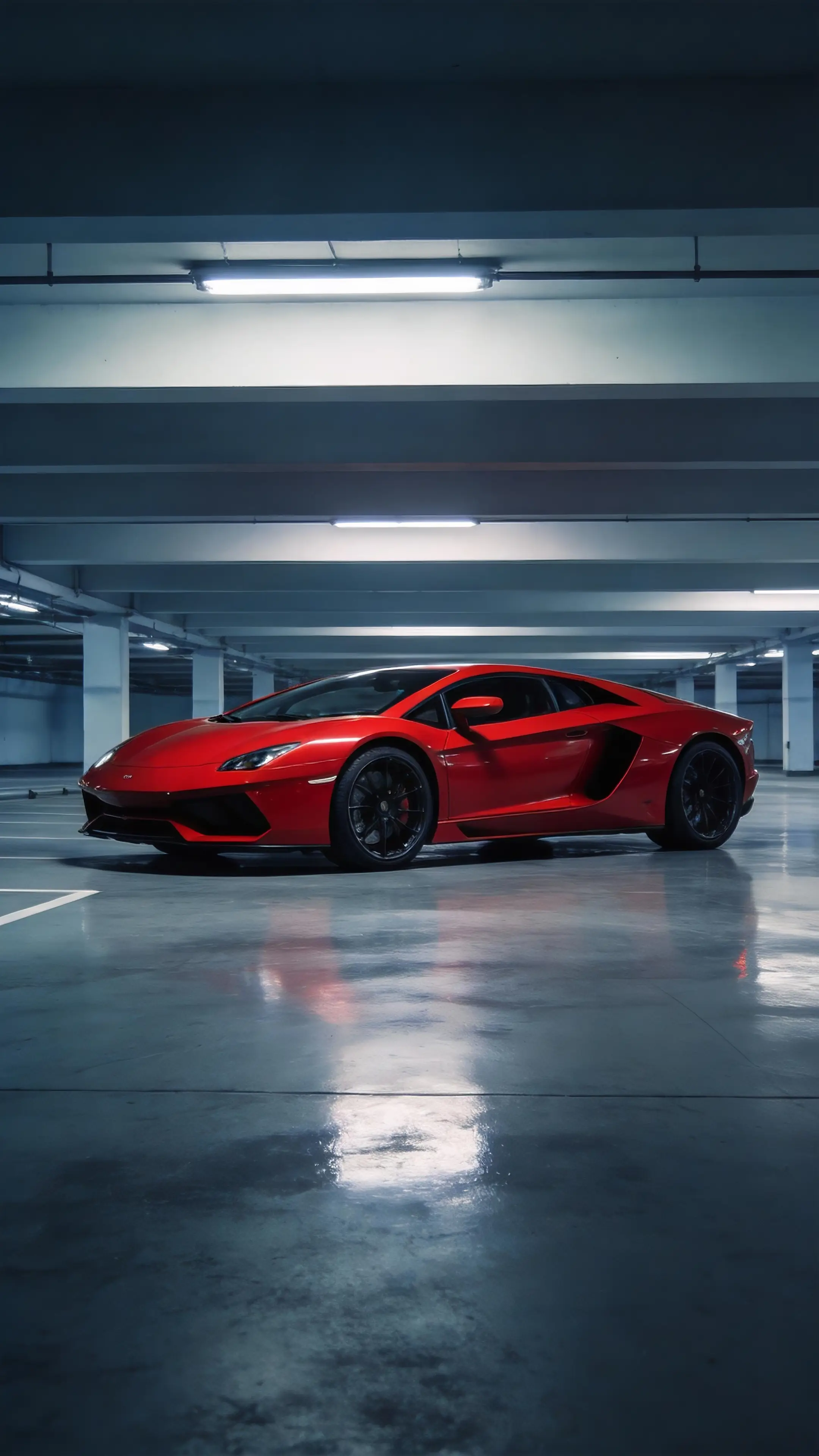
Prompt
Using the camera movements and editing rhythm from @Video1 as reference, recreate the sequence with the red supercar from @Image1.

Turn Any Photo into a Short AI Video
From portraits and products to posters and lifestyle scenes, image to video helps you add motion, camera movement, and visual energy while keeping the core look of your source image.

Why Use This Image to Video Generator?
Built for fast visual creation, this workflow turns still images into motion clips with simple uploads, prompt-based control, and flexible model choices.

Simple Upload to Start
Upload one image and start generating quickly without complex editing steps or extra setup.
Prompt-Guided Motion
Describe movement, camera style, pacing, or scene feel to guide how the final clip behaves.

Flexible Model Selection
Choose different models for different goals, from faster drafts to stronger cinematic motion and more polished outputs.

Works Across Multiple Use Cases
Create clips for ads, social posts, product pages, concept visuals, and branded storytelling in one workflow.
How to Use Image to Video
Turn a still image into a short motion clip in three simple steps.
Image to Video FAQ
An image to video generator uses AI to turn a still image into a short motion clip. It can animate portraits, product photos, posters, illustrations, and other visual assets.
Yes. You can try image to video generation with free access options before upgrading for more usage, faster generation, or more model choices.
Clear portraits, product photos, posters, illustrations, and scene images usually work best for generating motion clips.
Yes. You can guide movement, camera behavior, pacing, and overall scene feel with prompts and model settings.
Generation time depends on the model, prompt complexity, and current queue load. Many jobs finish in minutes, while more complex requests can take longer.
No. You can start with one image and a simple motion prompt without using complex editing software.
Smooth Motion and Clear Visual Detail
Generate short clips with cleaner motion, readable detail, and stronger scene continuity from a single image. Final quality depends on your source image, motion prompt, and selected model.