
 Sound Scene00:28
Futuristic Crisis Broadcast
Create expressive voices, conversations, music and complete sound scenes.
From intimate voices to cinematic worlds. Explore the examples already available in our workspace. Seed Audio 1.0 examples
Sound Scene00:28Futuristic Crisis Broadcast
 Voiceover00:31
Li Mi's Memory
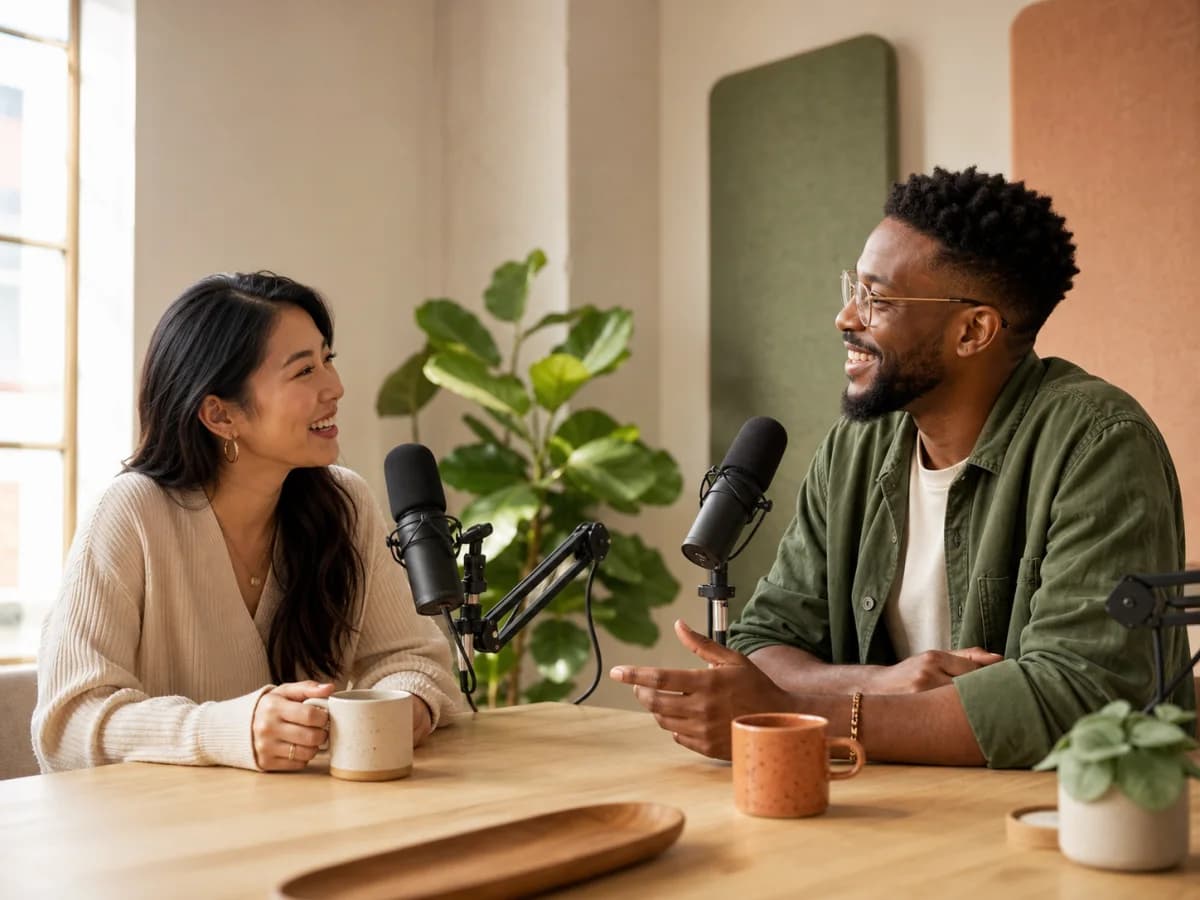 Conversation00:30
Podcast Chat
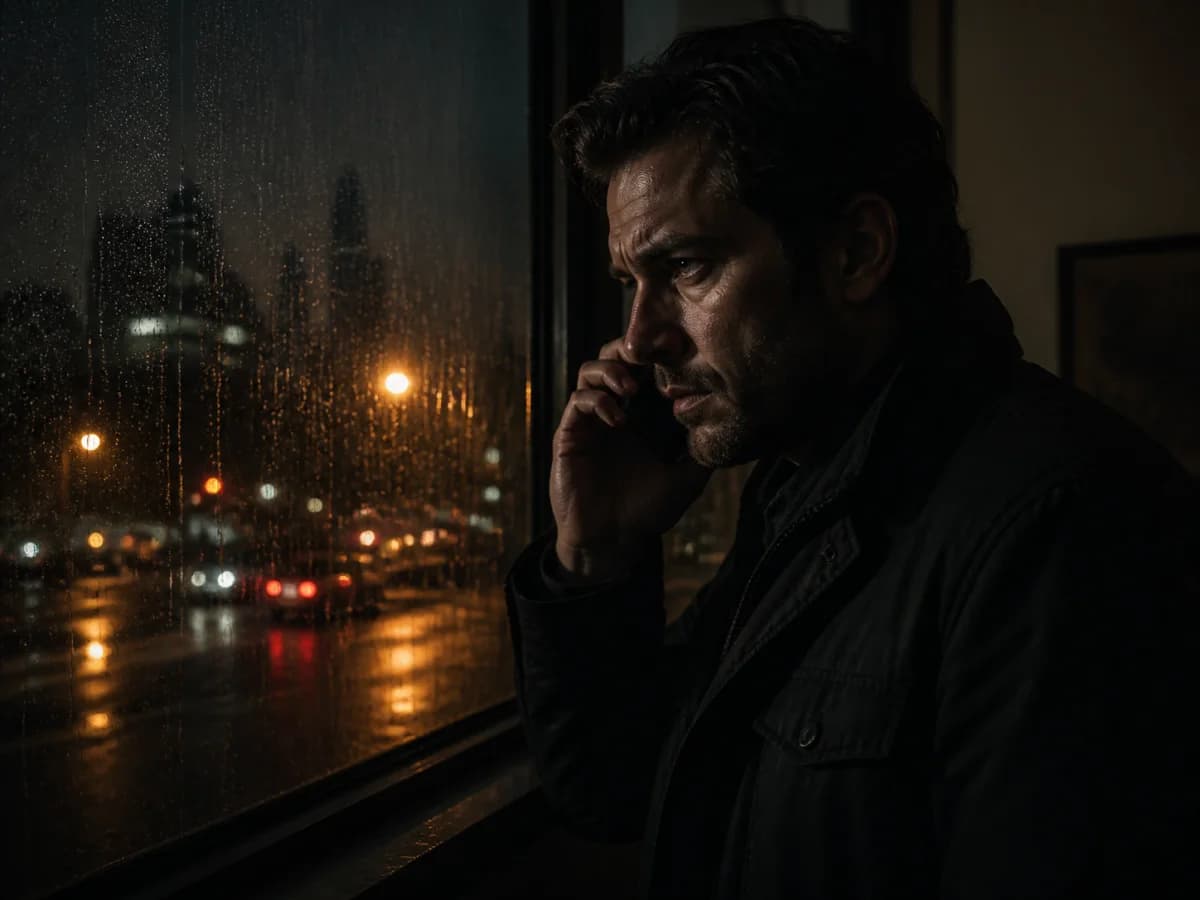 Conversation00:30
Crime-Thriller Call
6 min
Audio per generation
More room for a story to unfold.
6
Audio references
Bring more voices and sonic ideas.
30
Languages & variants
Tell the story to more audiences.
4
Input modes
Text, audio and video, together.
Beyond text to speech
Seed Audio 1.5 is ByteDance's audio generation model. It brings spoken dialogue, music, ambience and effects into one scene, with more ways to direct the performance and shape the final edit.
Start with words, guide a voice with references, or build sound around footage you already have. Longer generations and separate tracks open up a richer workflow for stories, podcasts and sound design.
More space. More references. More possibilities.
| Capability | Seed Audio 1.5 · Coming soon | Seed Audio 1.0 |
|---|---|---|
| Audio per generation | Up to 6 minutes | Up to 2 minutes |
| Audio references | Up to 6 | Up to 3 |
| Languages & regional variants | 30 languages & regional variants | 20+ languages |
| Input combinations | Text; text + audio; text + video; text + audio + video | Text; text + audio; text + image |
Seed Audio 1.5 capabilities
Write the moment, shape the performance and leave room for the edit.
Generate dialogue, music, ambience and sound effects together, so the scene has a shared mood and direction.
Create a scene up to six minutes long. Give a conversation, narration or soundscape time to develop.
Bring up to six reference recordings into a generation to guide voices and the sound of your scene.
Support for 30 languages and regional variants expands the possibilities for dialogue, narration and localization.
Guide reference voices with emotion, style and pace. Direct non-speech vocal sounds such as laughter, sighs and gasps.
Use timestamp instructions for dialogue, effects and music, then work with separate dialogue, ambience, effects and music tracks.
Four ways in
A script, a voice reference, a video or all three. Seed Audio 1.5 is designed to understand the material behind your story.
Describe the voices, the setting and the sound you imagine.
Audio scene
Add reference recordings to guide the voice and sonic direction.
Audio scene
Build dialogue and sound design around existing footage.
Audio scene
Combine voice direction with the visual context of your scene.
Audio scene
Sound that sees the scene
Build dubbing and a soundtrack around existing footage. Use the visual scene as context, then direct the dialogue, effects and music with timestamp instructions.
An alarm cuts through the engine hum.
A calm voice: “We still have time.”
The music builds as the ship departs.
Built for the next edit
Separate dialogue, ambience, effects and music tracks give you more control after generation. Bring the layers into your editor to adjust the balance, refine a cue or reshape the music around a voice.
Dialogue
Ambience
Effects
Music
Turn your first idea into a complete sound scene, then refine the final mix.
Write your script and describe the atmosphere, speakers and sounds.
Add reference recordings, video or both to guide the voice and the world around it.
Specify emotion, pace and timestamp cues for dialogue, effects and music.
Work with the separate tracks in your editor to finish the mix.
Made for your next story
Explore how SeedAudio 1.5 fits into your creative process.
Build character conversations with expressive performances, music and a sense of place.
Explore longer spoken scenes, reference-guided voices and natural pacing.
Use existing footage as context and explore dialogue across languages and regional variants.
Sketch layered soundscapes, cue effects to a moment and continue the edit with separate tracks.
FAQ
Capabilities, creative workflows and access on TopMaker.
TopMaker offers one free trial generation. After that, further generations use credits. Check the workspace for current pricing.
The current editor and examples on this page use Seed Audio 1.0. Version 1.5 is not yet integrated into TopMaker, and its launch date has not been confirmed.
Compared with 1.0, the maximum generation length increases from two to six minutes, and the reference limit rises from three recordings to six. Version 1.5 also supports video inputs and separate tracks, with 30 languages and regional variants across four input combinations.
Yes. Describe the emotion, speaking style and pace you want in your prompt, and use voice references to guide the performance. You can also request laughter, sighs and gasps. Results can vary, so you may need to refine your instructions to get the delivery you want.
Yes. You can describe the dialogue, music, ambience and sound effects in a single prompt to create a complete sound scene. Reference recordings can help guide the voices and the setting.
Yes. You can start with text alone, add reference recordings, include a video clip, or combine all three. Recordings guide the voices and sonic direction, while video provides context for dubbing and sound design.
With version 1.5, you can work with separate dialogue, ambience, effects and music tracks in your editor. These layers are not available in the current 1.0 workspace.
Explore the workspace. Try a scene, bring a voice reference and shape your next audio story.
Create with Seed Audio 1.5TopMaker AI is an independent service and is not affiliated with or endorsed by ByteDance. TopMaker currently offers Seed Audio 1.0.